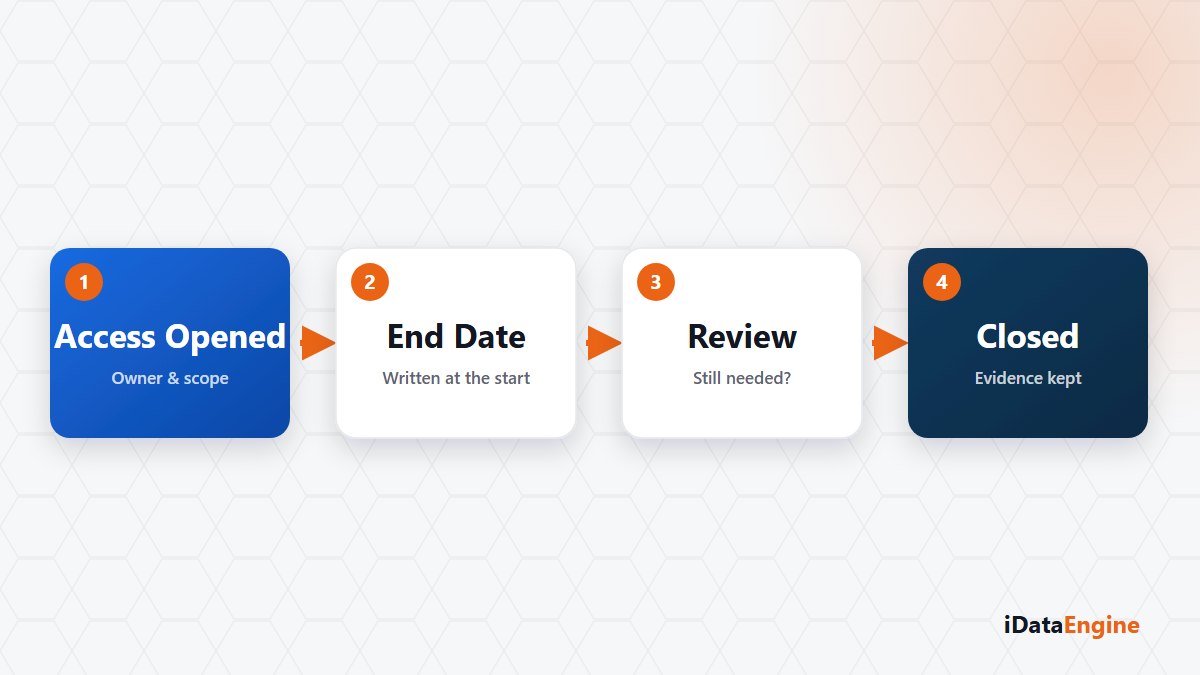
“Two weeks is enough, we will close it after that.” Nobody says this in bad faith. The consulting team has arrived, the integration test has started, a dashboard was shared in a meeting. All three are reasonable.
Taken one at a time, none of these accesses is a problem. The sum is. The list of users nobody can explain three years later is built out of reasonable decisions stacked on top of each other.
The asymmetry is the cause. Opening access takes one person a few minutes; closing it takes memory, ownership and a control step. Over time, the opening side wins by default.
The bill arrives late — in an audit, in a handover, or the first time somebody reads the user list end to end. By then the question is no longer “is this access needed?” but “who opened it, when, and why?” And the team looking for the answer is rarely the team that made the call.
The three channels do not close the same way
- A BI share link. It can carry an expiry and be revoked when needed. But the link does not inherit the sharing user’s row-level authorizations, so test the scope before you publish.
- API service access. It can be limited with user assignment, an allowed IP list and request limits. The service user does not expire on its own, though; closing it is the job of the team that opened it.
- A SAP role. AccessGuard synchronises role and authorization data, compares it against defined rules and produces findings. It does not withdraw access; removing the role runs through your own authorization process.
That difference changes how you plan. For the one channel that accepts an expiry, a calendar is enough. For the other two you need a name.
Four things to record when access opens
- Who it was opened for.
- Which data scope was granted.
- Until what date it is needed.
- Who is responsible for closing it.
The fourth is the most skipped line and the only one that makes later cleanup possible. Access with no owner does not close, even when an end date was written down.
Where those four lines live matters less than people think — a ticket, a table or the project file all work. What matters is that they are searchable six months later.
A narrow scope is easier to take back
Giving a partner the single view they need instead of the whole folder keeps the thing you have to take back small. The same holds on the service side: opening more fields than a service needs also makes the decision to close it harder.
The second benefit of a narrow scope gets discussed less. Remembering what an access was for is far easier six months later when the scope was kept tight.
Three items for the project closing list
- Revoke the share links.
- Deactivate the service user.
- Review the role state again in the next AccessGuard scan.
The third one usually produces a surprise. An authorization you believed was removed is often still sitting there — and that can happen with nobody being careless, because the role assignment may have come back through a different request.
Setting an expiry does not replace your account closure process. But recording when and why access was opened is the cheapest way to answer “why does this user exist?” six months later.
Here is an exercise worth running. Pick a project that closed last year and let us work out together what state its accesses are in today. One project usually says enough about the whole process.