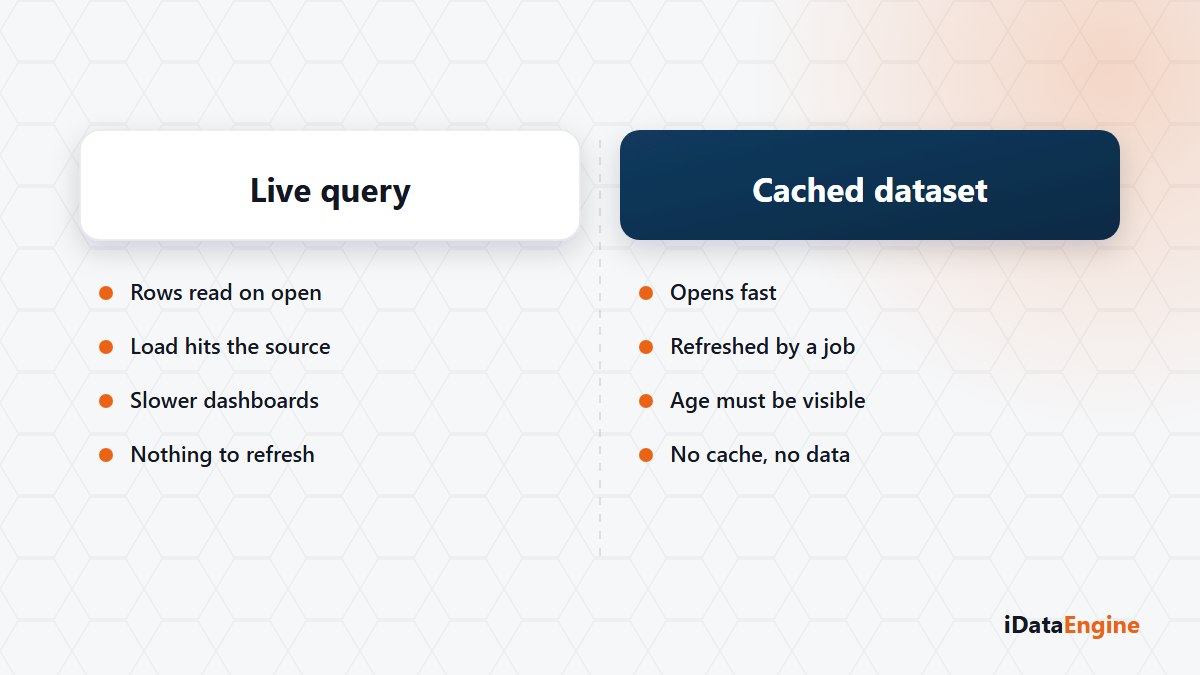
A widget in BI Portal can read data in two ways. In LIVE mode, the query is sent directly to the configured source. In OFFLINE mode, the widget reads only the BI cache stored in PostgreSQL.
The two modes provide the same output through different operating models. LIVE gives a more current view of the source, but each user query adds load to that system. OFFLINE limits source load and offers more predictable query behaviour, while its data is bounded by the last successful cache refresh.
When LIVE mode is appropriate
LIVE can be used when operational data that changes during the day must be read from its source and the source system can support concurrent query load. Order, stock and processing-status screens are common candidates.
The word LIVE does not provide a real-time guarantee. Freshness depends on the data in the source, the connection and the time required to complete the query. Its effect on the source should be measured before large data sets or high-traffic dashboards are released.
When OFFLINE mode is appropriate
Cache can be preferable for management dashboards, periodic analysis and large data sets that are opened frequently. Cache refresh and data-fetch operations can be scheduled through the shared job framework, moving heavier source queries into a suitable processing window.
If no cache exists, an OFFLINE widget returns an error and does not switch to LIVE automatically. This prevents a failed refresh from unexpectedly sending source queries. The first cache load therefore needs to finish before the view is published.
Refresh planning and user expectations
- Define the acceptable delay and refresh frequency for each data set.
- Assign business and technical ownership for failed refreshes.
- Show the time of the last successful refresh on the dashboard.
- If both modes are used on one page, state which source mode applies to each widget.
The mode should be tested per data set. Run the same widget in LIVE and OFFLINE, then compare response time, query load on the source and the difference in freshness. Operational widgets can then be configured separately from analytical widgets.
An evaluation of an existing dashboard starts with its data sets, expected users and accepted refresh intervals. Those facts are enough to select the source mode and job schedule for each widget.