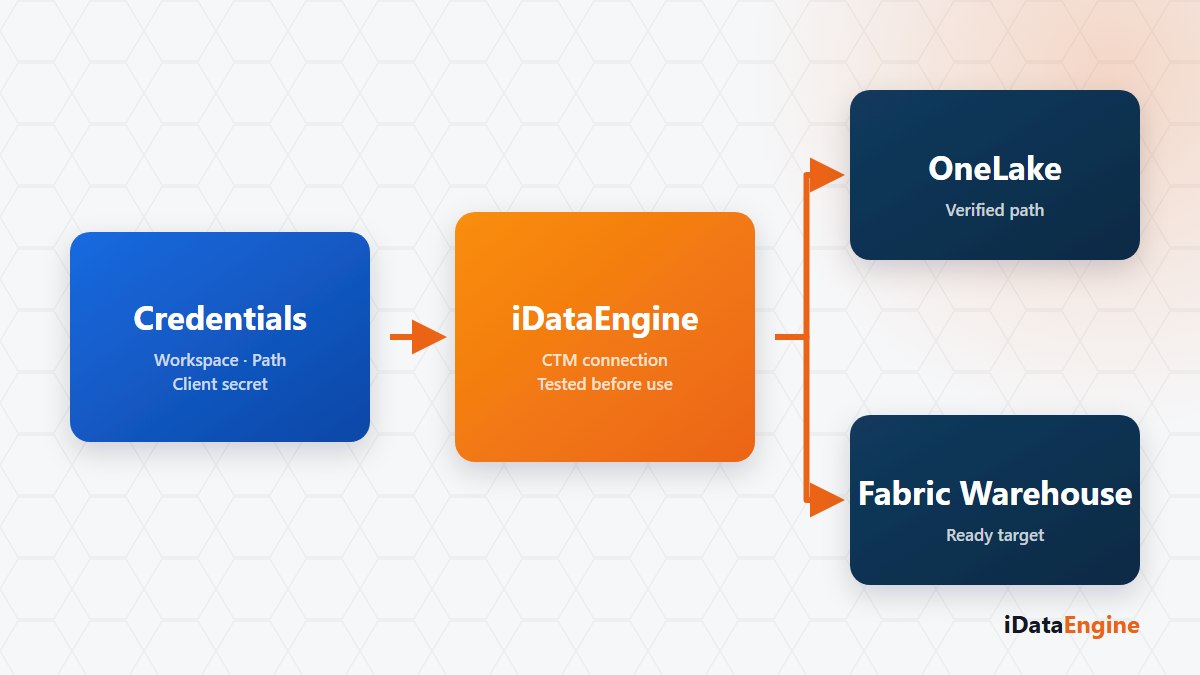
“We are connecting to Fabric.” In a meeting that sentence reassures everybody, and technically it describes at least two different jobs.
One is reaching the Lakehouse file structure on OneLake. The other is connecting to a Fabric Warehouse the way you connect to a database. They use different authentication, a different access path and a different way of reading data.
Skip the distinction and you pay for it on the calendar: the first week goes on connection settings, and in the second the permissions get requested from the wrong team. Those look like technical problems. They are the bill for an ambiguity in the first sentence of the plan.
The OneLake path behaves like a file system
On the CTM side a connection is defined with an Azure tenant id, client id and client secret, followed by the workspace, the lakehouse and the target path. Access is established through Azure client credentials against the OneLake endpoint.
On the data side, Delta and Parquet structures are used. You can check existence, create, drop and count rows on the target path; the schema is read from the metadata of the first active Parquet file, and the row count is taken from the record information in the Delta log first.
The character of this path is close to a file system. A table “existing” means the Delta log and Parquet files are present in the relevant directory. If the connection test passes and the table is not visible, the first thing to check is which directory the path points at, not the permissions. On a freshly created path the first Delta record can start with an empty schema; the real columns firm up as data is written.
A Warehouse connection is a separate type
A Fabric Warehouse, by contrast, is defined as a Microsoft SQL Server compatible JDBC connection with its own credentials. Sending a query to a Warehouse is not the same operation as reading Parquet from a OneLake directory. Even inside one workspace, the tooling and the limits differ.
One more detail shapes the plan: on the OneLake path, conditions are applied service-side after the rows are read. Querying a large table with a narrow filter therefore does not behave the way the same filter behaves in a SQL engine.
The permission questions that follow the connection test
Defined connections can be tested, a default connection selected, and the table folders under the Lakehouse listed. After that the Fabric target is used in transfer projects sourced from SAP: jobs are scheduled through the job framework, and run states and error details appear in the central screens. Writing the packages to the target depends on a separate service component, so that behaviour is verified together with the installation.
Drawing the scope correctly is the second gain. CTM does not manage your Fabric tenant; Power BI content management, Synapse pipelines and workspace governance sit outside this module. Connection definition, target path operations and schema or data reading sit inside it. Knowing that line also clarifies which permission to request from the cloud team.
We would suggest a short agenda that puts the cloud and SAP teams at the same table: which workspace, which lakehouse, which target path, which permissions. Once those four lines are settled, we can define the connection together and see the first schema read in the same session.