The first run usually goes well. Pick the source, map the fields, set the target path, the rows arrive, and the analytics team is happy.
The difficulty starts in month two. A field grows longer in SAP, a new column appears, the decimal precision of a type changes. The target schema does not follow those changes by itself, and for a while no error appears either.
This is how it accumulates: one field in the first month, three by the third, and by the sixth a gap whose full list nobody knows. The loss becomes visible not on the transfer screen but in a total that does not reconcile in a report.
Schema is read from one Parquet file
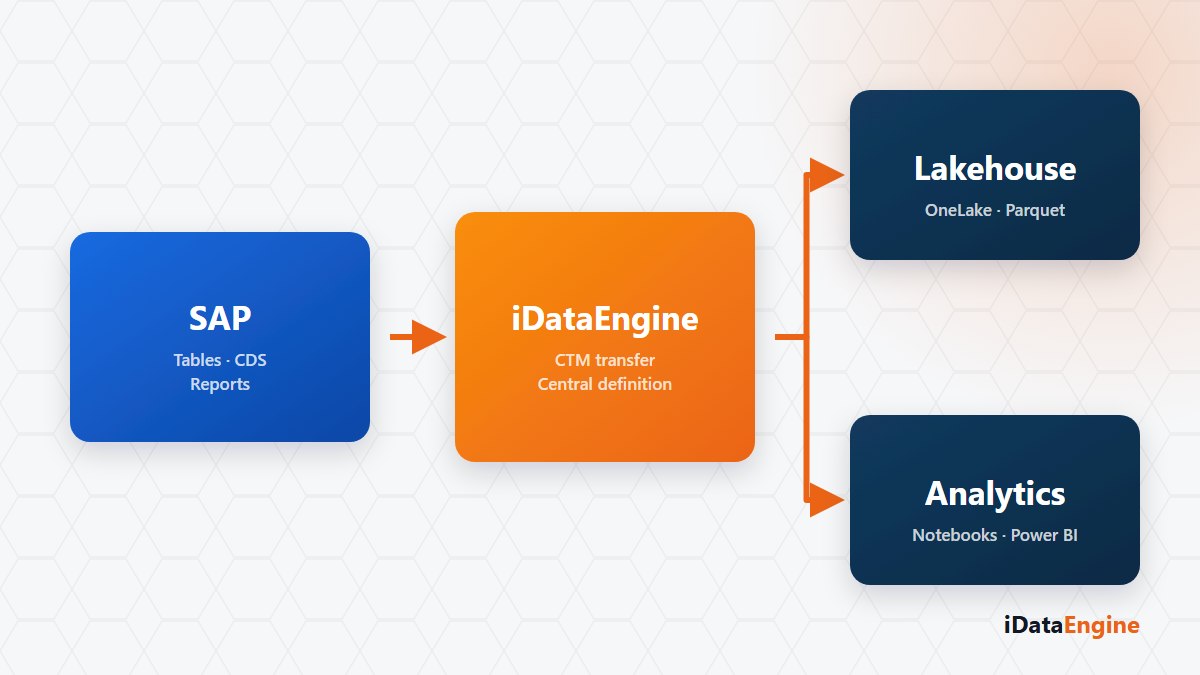
The transfer from a SAP source into a Fabric target is defined as a SQL Transfer project whose target connection is Fabric. Source fields are selected and mapped to the target schema, and the data lands in Delta/Parquet structures suited to analytical workloads.
The mechanism worth knowing: the schema of the target table is read from the metadata of the first active Parquet file. If the files have drifted apart, that read may not represent every variation. “The schema looks right” does not prove that all files share it.
Row counts come from the Delta log
The most practical validation step is counting rows. The row count is taken from the record information in the Delta log first, falling back to Parquet file metadata when needed, so you do not have to scan every file to learn how many records the target holds.
A small-scope test run covers type conversions and row counts. Existence checks, creation and clearing on the target path run through the same service; in the current implementation clearing is close to deleting the content of the path, so do not treat it as a routine maintenance step.
Three habits for schema drift
Managing schema drift is a matter of routine rather than automation. Three habits are enough:
- Check field differences between source and target regularly; the SQL project side can make that comparison.
- When a new field appears, update the mapping and review the analytics models that use it.
- Try type changes with a small run first; a type incompatible with the existing files can surface the error on read rather than on write.
Two notes to keep expectations right. This flow is not change data capture; it runs with the load method and schedule you define. Writing the packages to the target depends on a separate service component, and the outcome also depends on cloud-side permissions and storage behaviour. A run marked “successful” does not prove the data consumer can read the file.
We would frame this as a review: pick one of the tables you write into the Lakehouse and let us compare it line by line against the field definitions in the source. Finding the schema that drifted quietly in month two runs through that comparison, and until the analytics team runs its first query, do not call the flow finished.