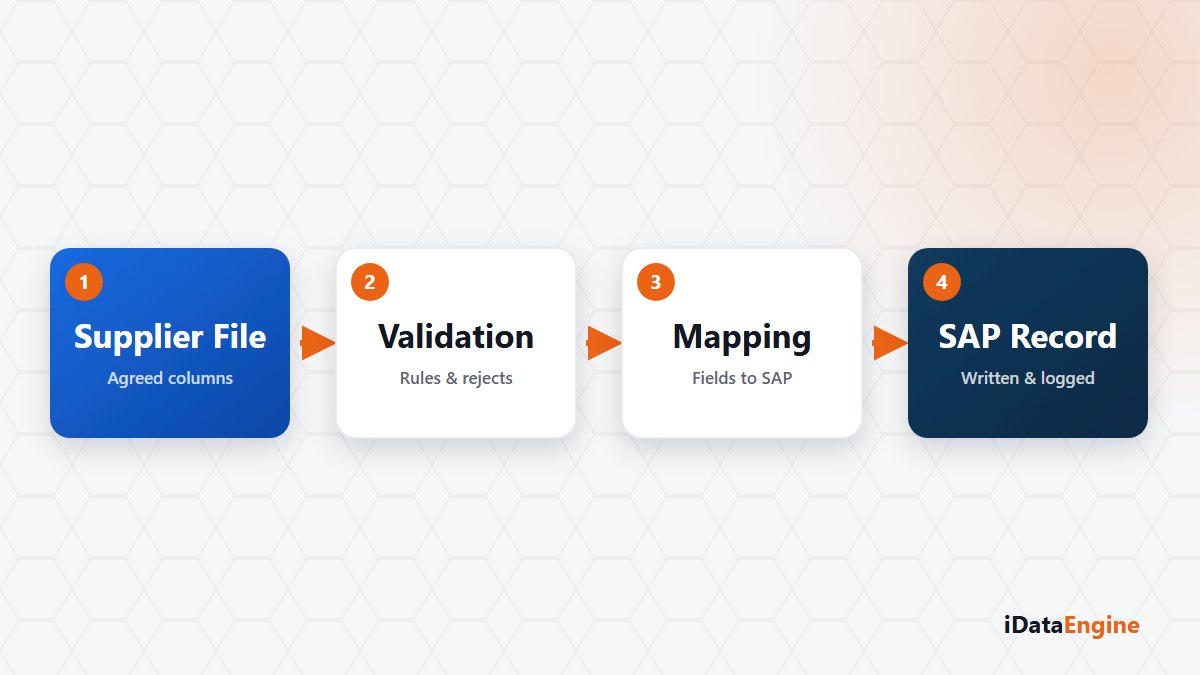
The flow is live. The mapping works, the target table is filling, the test results are clean. And every morning somebody opens the file and uploads it.
Reading that as unfinished development is the common mistake. The real cause is a question nobody asked in the first project meeting: where does the file land?
The upload-based transfer is user-triggered by design. A user uploads a CSV or TXT file, it is staged on the server, an asynchronous run starts, and a run record with progress comes back. That path is deliberately not scheduled — the job layer rejects a file upload project. Excel is not accepted either; the path is limited to CSV and TXT, with a 32 MB file ceiling.
So the right question is this: at the hour when nobody is in the office, who uploads the file? If the answer is nobody, the flow is not automated.
Where the file lands decides the flow
An automated overnight flow needs a different shape. The file lands in a staging table first: your existing intake process writes it into a table on PostgreSQL or SQL Server, and the transfer project reads from there. Because SQL-sourced transfers can be scheduled, the flow no longer depends on a person.
That distinction buys something else too. A staging table gives you somewhere to confirm the file arrived and check the row count; on the upload path, that verification rests on whoever is watching the screen.
The critical point in target table and mapping
The target SAP table is defined through the standard DDIC flow: field names, types, keys and a transport request. Audit fields carrying user, date and time are added to the target automatically, so “who wrote this, and when” lives inside the table.
In the mapping screen, source fields are matched to SAP fields, per-field conversion formulas are defined and the source schema is previewed with sample rows. In a price list scenario the critical point is usually the decimal separator and the currency field: a format problem missed in the preview becomes a wrong amount in SAP.
Choosing key-based update as the load method makes rerunning the flow safe. Choose insert-only and the second run produces duplicates.
The state of the target after a package error
Rows are sent to SAP in packages. When one package fails, the rows written by earlier packages stay in the target; there is no end-to-end rollback. Checking the state of the target table before a rerun should therefore be a standard step.
Seeing a retry count field stored can mislead as well; it should not be read as a working automatic retry feature. Defining that failures land with a group — through an email notification or an event action — is what makes the flow operable.
Then there is business validation: being technically writable is not the same as being correct. Is the number of written rows in the expected range, are the new prices reasonably close to the old ones? Building that check as a BI view or a report output and sending it to the purchasing team is what finishes the job.
Put one of your supplier flows on the table and start with a single question: whose hands does the file pass through? The answer tells us whether to build on the upload path or on a staging table, and we can work through that choice with you.