“The report is not going out this week. The person who sends it is on leave.” Every organization has a job that fits that sentence. Someone opens a report each morning, exports it to Excel and mails it to three people. It is small, so nobody looks at it.
Then it grows. Three recipients become fifteen. A regional breakdown gets added. At month end somebody asks for a second attachment. The same small job is now twenty minutes every morning and one person’s memory.
The threshold gets crossed here: the format, the recipient list and the send time are written down nowhere. Before you can hand the job over, you have to rediscover it.
Three decisions a scheduled email takes over
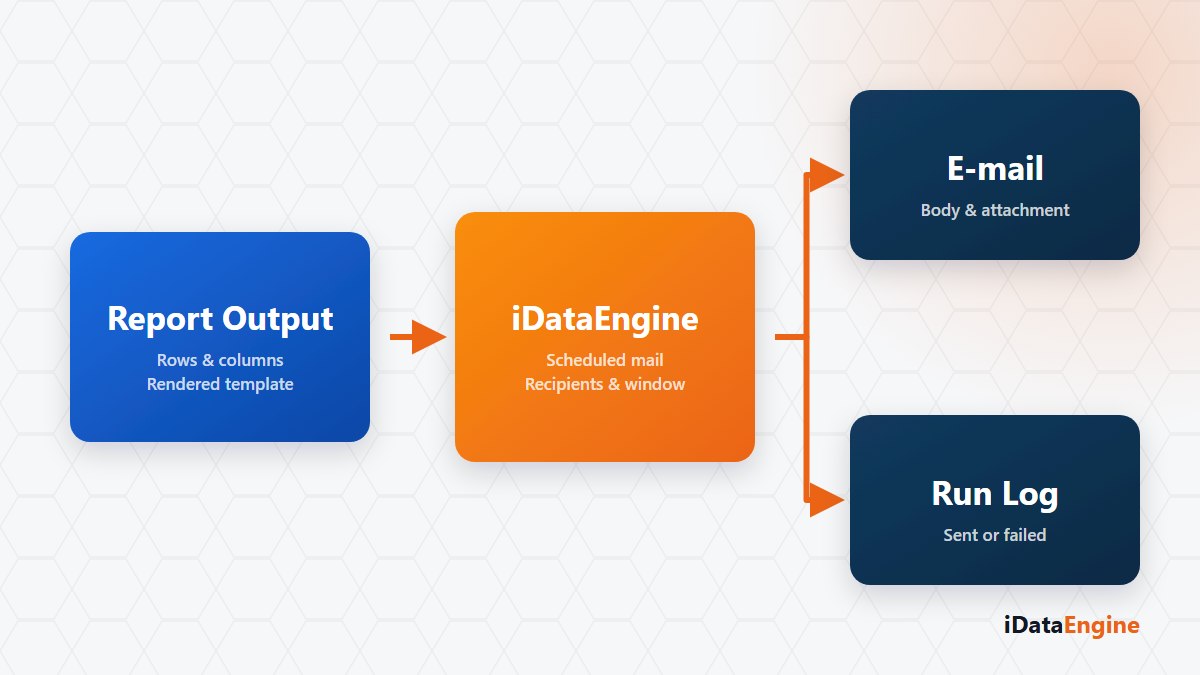
A central dispatch definition puts those three decisions on the record: what content, to whom, on which trigger. All three live on a screen, so nobody has to remember them.
On the content side, subject and body are built with Handlebars-based templates. A template produces either an HTML body or a PDF, XLSX, CSV or HTML attachment, and a variant can combine one body with several attachments in a single send.
Recipients are defined as TO, CC and BCC, either individually or through mail groups that can nest. Groups remove a tedious chore: when someone leaves the company, you delete one address instead of editing ten separate definitions.
One practical habit: set the first send up so it reaches only you, then open the recipient group. And pick the schedule around the moment the data is ready rather than a round hour — an email that goes out before the nightly transfer finishes carries yesterday’s numbers.
Do not publish a template you have not previewed
Templates can be previewed with real data or a sample context. That step prevents an expensive mistake: an overflowing table column, or a data block that comes back empty, reaches all fifty people on the list at the same time.
A preview also surfaces a boundary worth knowing early. When iView or SQL sources are picked directly as a template source, the resolver returns an empty list; those sources are used through the context of a mail variant instead. Better to see that on the first attempt than on publication day.
What a dispatch log proves, and what it does not
Sending is triggered manually, from a scheduled job or from an event action. With error notification mapping, a failing module can also put a message in front of the right group — so email becomes an operational alert channel, not only report distribution.
Every send records its result, a recipient summary, the subject and attachment metadata; the attachment itself is not written to the log. The boundary is clear: a log entry does not show that the receiving server delivered the message. Delivery belongs to your SMTP or SAP mail infrastructure.
Factor in one technical limit up front: attachment size and total message size are both checked. If a monthly extract exceeds that limit, the answer is not compressing the attachment but producing the output as a file and emailing only the summary.
What writing those three decisions down gives you is not an automation but a job definition somebody else can run. If you already have a send like this, let us review it exactly as it stands today: which report, which recipient group, which hour — and where the person covering for a colleague reads all of that.