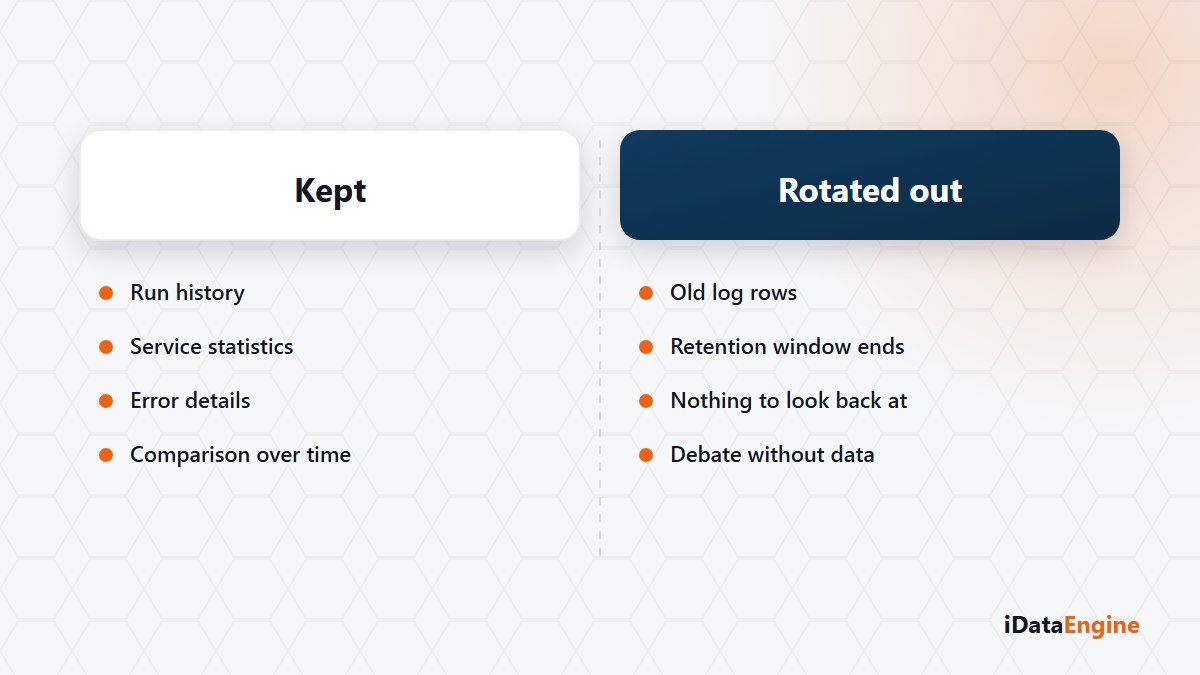
Two sentences, from two different teams. “These records are filling the disk for nothing.” And three months later: “Can we find the record of that transfer in March?” Both are fair, and both pull the same setting in opposite directions.
The decision usually gets made without anyone noticing: a cleanup window is set once and nobody revisits it. Yet that setting draws the limit on how far back you can look after something goes wrong.
Summary counters versus operation records
The first step is separating record types. The dashboard carries total, successful, failed and in-progress operation counts per service, plus recent-period statistics. That layer answers one question — is anything different from normal today? — and nothing else.
The service layer carries the technical truth. MAIL, WS, WSC, SQL, FILE, CTM, TSAP and BI services are followed in a common system report, with separate monitors for SQL jobs, SAP jobs, inbound and outbound services, iView executions, file operations and mail dispatch.
The stored measurements are the kind that end arguments: duration, data size, package count, row and column counts, error text. Instead of debating whether a transfer “got slower”, comparing package count and duration against last month takes minutes.
A small hint for anyone reading these screens for the first time: service names are more granular than license module names. Report executions are recorded as REPORT under the REP module, outbound and inbound services as WS and WSC under API, and mail and file operations as MAIL and FILE under MF. Knowing that mapping is what gets you to the right screen quickly when you are chasing an error.
Who chooses the log retention window
The third layer is the records themselves: application, service and request logs, along with audit records showing when a definition changed. Request and log records older than a given date can be cleaned up in a controlled way — and you are the party choosing that date.
There are two roads. A short window keeps storage and query cost down but leaves an audit question three months later unanswered. A long window answers every question and hands you growing tables and slower queries in return.
The middle road that works is not treating the window as a single number. Detailed request and response records are usually useful only for a short stretch, while operation summaries and change audit records are worth keeping longer. Aligning the period with your audit cycle rather than a technical guess is what makes the decision defensible.
One question per record type is enough: who will open this, and which question are they answering? The types with an answer get a longer window, the ones without get a shorter one.
A monitoring screen is not an alert
There is one more thing. Even the best measurement stays a record when nobody looks at it. Defining who hears about a failure — through an event action or an email notification — is the step that turns monitoring into decisions.
Here is a test you can run in your own environment: pick an operation that failed last quarter and see whether its record is still there. If it is gone, nobody actually made your retention decision. Let us run that test on your records, and then write the retention window together.