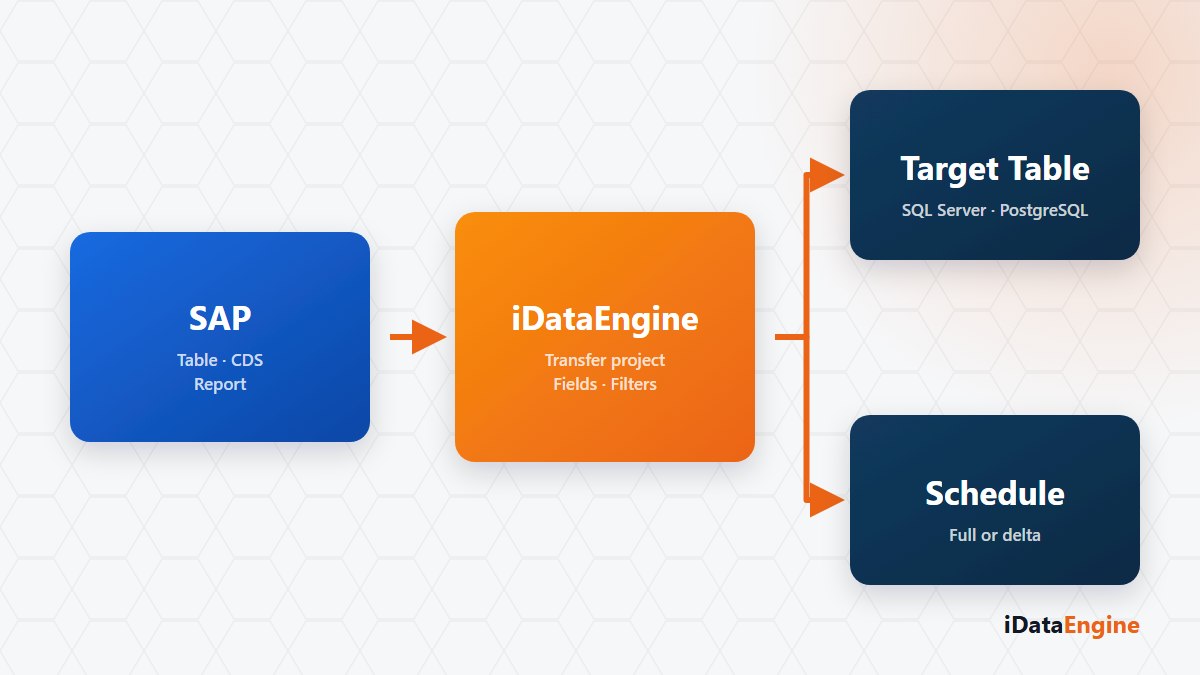
SQL Transfer creates a project-based definition for using SAP data in an external reporting, integration or data platform. The source, target, field mappings, filters, load method and package settings are stored in the same project.
The source can be an SAP table, program, transaction, function or active iDataView. Verified relational targets are PostgreSQL and Microsoft SQL Server. Microsoft Fabric uses a dedicated OneLake path based on Delta and Parquet rather than a conventional JDBC table flow.
Mapping source fields to the target table
The project defines the target column name, data type, length, decimal information and key property for selected SAP fields. The target connection can be tested, table existence checked, a new table created, and column differences between source and target reviewed.
Schema changes should not be treated as automatically safe. Operations such as deleting a column or narrowing a data type can cause data loss, so they require separate approval and a backup plan before they are applied to a production target.
Load and delta options
A project stores delete-and-insert, insert-only, update-or-insert, delta delete-and-insert, and day-based delta options. The appropriate method depends on the target key and whether source records change over time. SAP table sources can also use filters defined with AND and OR groups.
Package size and the option to disable parallel execution are included in the run request. Larger packages do not automatically mean better performance; network duration, target database load and the amount of data to reprocess after an error need to be considered together.
Running and validating the transfer
The transfer starts with an EXEC request sent to the SAP side. A separate service writes data packages to the target and returns completion or error information to iDataEngine by callback. Project state, progress and last-transfer information are updated from those records.
SQL Transfer does not provide a guarantee of continuous log-based CDC or exactly-once delivery. Delta accuracy depends on the selected filters and source values. Before the first production run, compare source counts, target preview, key uniqueness and representative field values.
A useful pilot is one SAP data set that is currently moved by hand or through custom code. Once the source and target schemas are defined, full-load and delta behaviour can be compared in a test environment before the production method is selected.